Create Your Stub

Enter your details and we'll handle the calculations for you

Create Your Stub

create
Create Your Stub

Instant Mobile Pay Stub Maker Ready in only 2 Minutes!

Company Information

Add Company Name
Please enter the Company's name
Add Company Address
Please fill out the address
Add Apt/Ste No.
Add City
City is required
Add Province
Add Postal Code
Postal Code is required

 Advanced Company Information

(Phone Number, EIN/SSN)
Add Company Phone Number
Company Phone Number is required
Your phone number is kept confidential and we never share it with any third party organizations.
Add Ext. No.
Add Canada Business Number

Employee Information

What is the employees' status?
Add Employee Full Name
Employee Full Name is required
Add Last 4 Digits of Employee Social Insurance Number (SIN)
All personal information is kept private and we never share it with any third party organizations.

Note. Don't have this handy? You can add it before downloading.

By choosing this option, the paystub taxes will be calculated based on the employee's address instead of the company address
Add Employee Address
Please fill out the address
Add Apt/Ste No.
Add City
City is required
Add Province
Add Postal Code
Postal Code is required
Advanced Employee Information

(Address, ID, Federal Filing Status, State Filing Status)
Add Employee ID
Add Federal Annual Income Deductions
Add Federal Tax Credit
Add Federal Prescribed Zone Amount
Add Federal Total Claim Amount
Add Are you a Quebec-Employee Transferred outside Quebec?
Add Employee's Date of Birth
Add Are you an employee that works outside Canada or in Canada beyond the limits of any province or territory

Optional Province Tax Information

Add

Salary Information

Add How often is this employee paid?
Add Hourly Rate
Hourly Rate is required
Add Annual Salary
Annual Salary is required
Add Employee Hire Date
Add Hours Worked Per Period
Hours Worked Per Period is required

suggestion light bulb For proof of income, most institutions require paystubs covering a period of the last 3 months. The more pay dates you add the higher your chances become!

Would you like us to add them for you?
Yes, PleaseNo, Thank you
How many Pay Dates do you need?
Pay Dates are generated backwards based on the payment frequency selected above.
Add Employee Pay Date
Add Hrs Worked
Hours Worked is required
Add Pay Period Start Date
Add Pay Period End Date
Add Number of Previous Pay Dates this year
Add Sum of all previous regular wages this year
Add Check Number
Add Additions, Benefits or Deductions
Add Company Policies (Time off, Benefits, etc)
Delete Pay Date
Add Employee Pay Date
Add Hrs Worked
Hours Worked is required
Add Pay Period Start Date
Add Pay Period End Date
Add Number of Previous Pay Dates this year
Add Sum of all previous regular wages this year
Add Check Number
Add Additions, Benefits or Deductions
Add Company Policies (Time off, Benefits, etc)
Delete Pay Date
Add Employee Pay Date
Add Hrs Worked
Hours Worked is required
Add Pay Period Start Date
Add Pay Period End Date
Add Number of Previous Pay Dates this year
Add Sum of all previous regular wages this year
Add Check Number
Add Additions, Benefits or Deductions
Add Company Policies (Time off, Benefits, etc)
Delete Pay Date
Add Employee Pay Date
Add Hrs Worked
Hours Worked is required
Add Pay Period Start Date
Add Pay Period End Date
Add Number of Previous Pay Dates this year
Add Sum of all previous regular wages this year
Add Check Number
Add Additions, Benefits or Deductions
Add Company Policies (Time off, Benefits, etc)
Delete Pay Date
+ Add Previous Pay Date

Special Tax Exemptions (Optional)Is the employee exempt from any taxes?
Add Direct Deposit Slip (Recommended)

Include a detachable deposit slip at the bottom of the paystub with the employee's/contractor's net pay and check number. Perfect for record-keeping.

Note. Check numbers won't appear on your stub(s) since direct deposit payments don't use checks.

Optionally, you can add the bank information to the direct deposit slip below.

Add Account Number
Add Routing Number
Add Bank Name
Your Stub Preview (Click to enlarge view)
  • Order1x Stubs

You can always come back to edit your information

Load the new section

Use this template
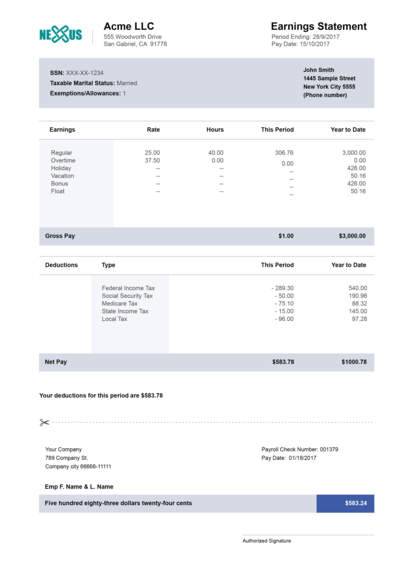
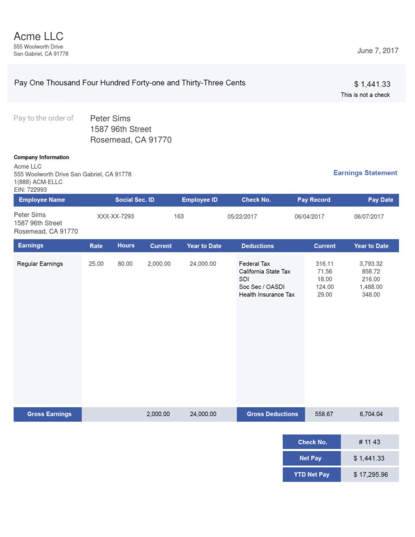
pay stub vertical template grey
Pay Stub Vertical Grey Template
Use this template
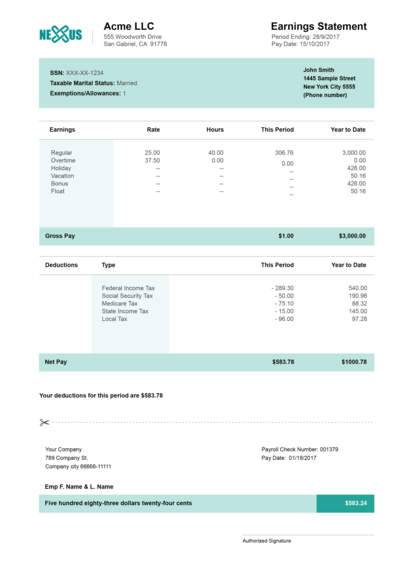
pay stub vertical colorful template
Pay Stub Vertical Colorful Template
Use this template
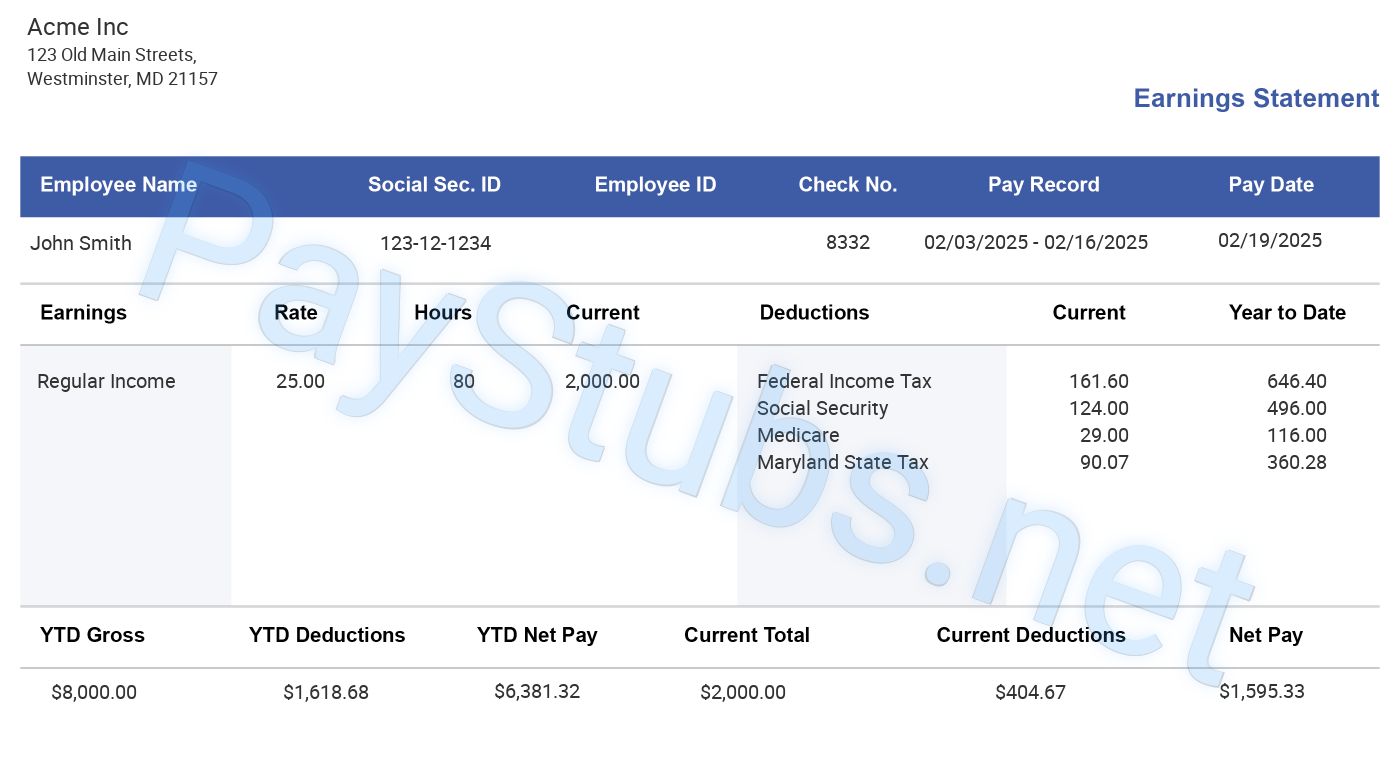
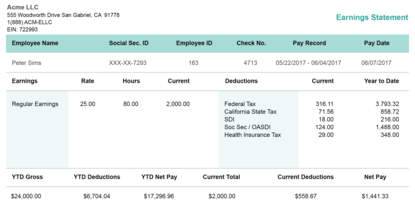
long green pay stub template
Pay Stub Long Green Template
Use this template
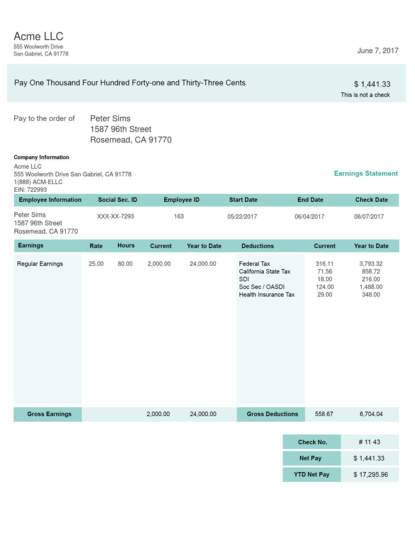
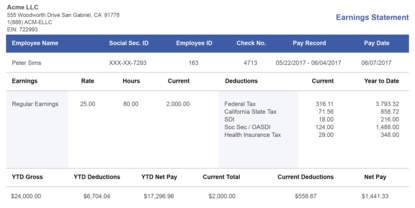
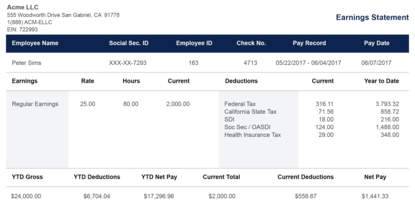
long blue pay stub template
Pay Stub Long Blue Template
Use this template
horizontal green pay stub template
Pay Stub Horizontal Green Template
Use this template
horizontal blue pay stub template
Pay Stub Horizontal Blue Template
Use this template
long black pay stub template
Pay Stub Horizontal Black Template
Note: All watermarks and background images will be removed from your final document
(Pinch to zoom in)  
close popup in white color
Use this template
pay stub vertical template grey
Pay Stub Vertical Grey Template
Use this template
pay stub vertical colorful template
Pay Stub Vertical Colorful Template
Use this template
long green pay stub template
Pay Stub Long Green Template
Use this template
long blue pay stub template
Pay Stub Long Blue Template
Use this template
horizontal green pay stub template
Pay Stub Horizontal Green Template
Use this template
horizontal blue pay stub template
Pay Stub Horizontal Blue Template
Use this template
long black pay stub template
Pay Stub Horizontal Black Template
Position & Crop Logo

Tip: Position cropping borders as close to company logo dimensions as possible

DoneCancel

Jaden Hi! How can I help you?

Hello from our chat team!

To best assist you, please fill out the form, and we'll get back to you swiftly.
Start the chat