



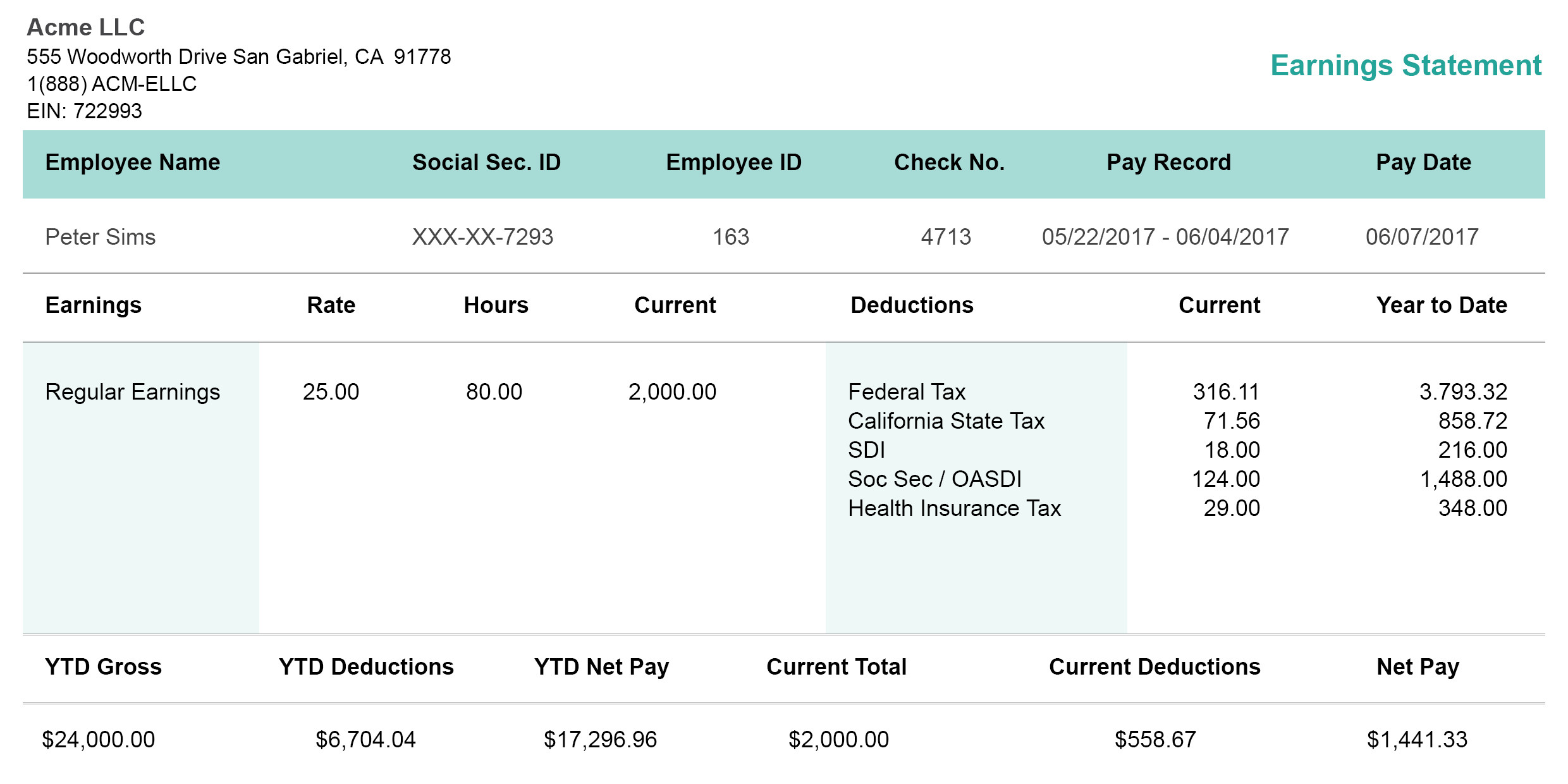
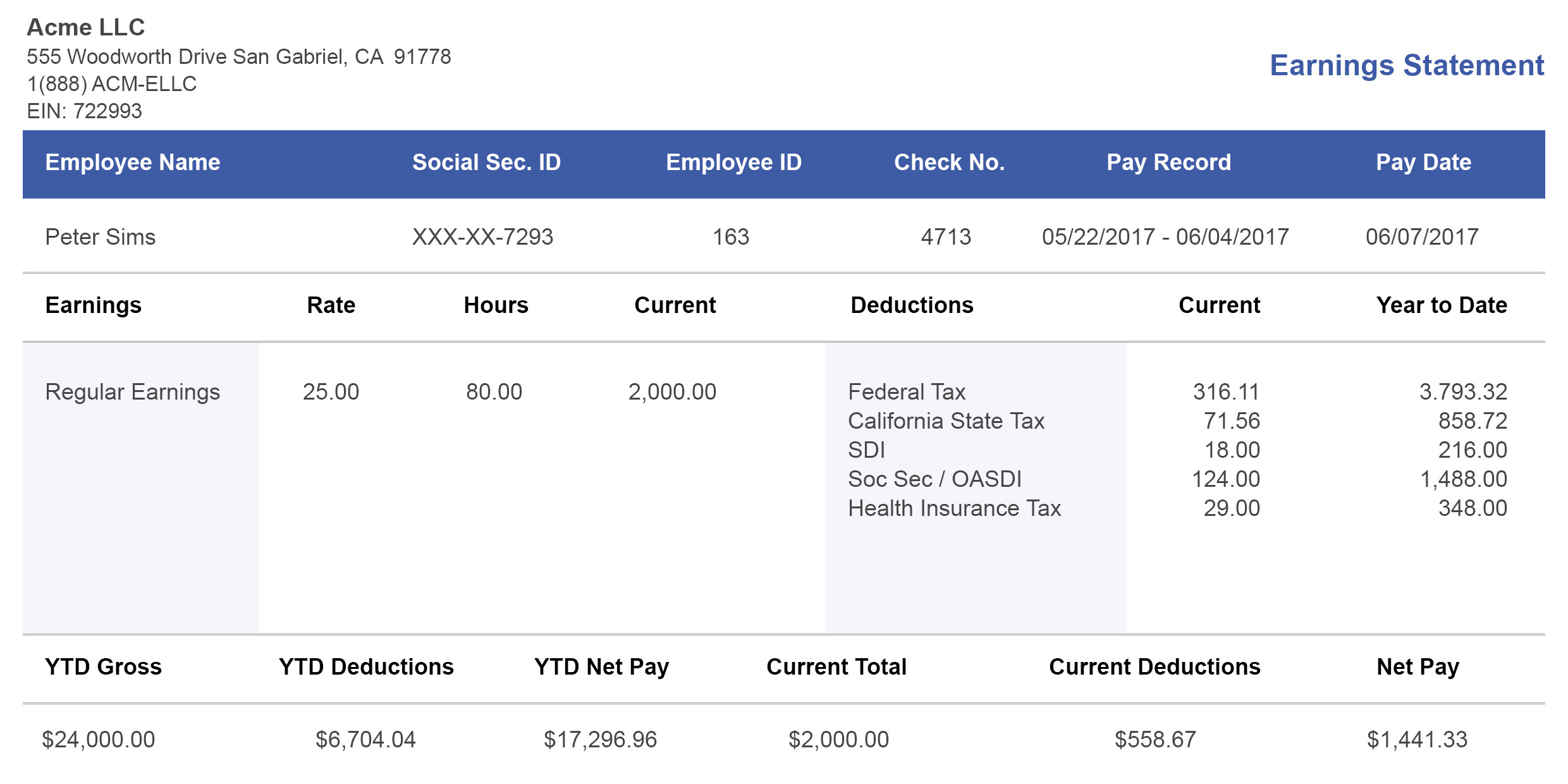
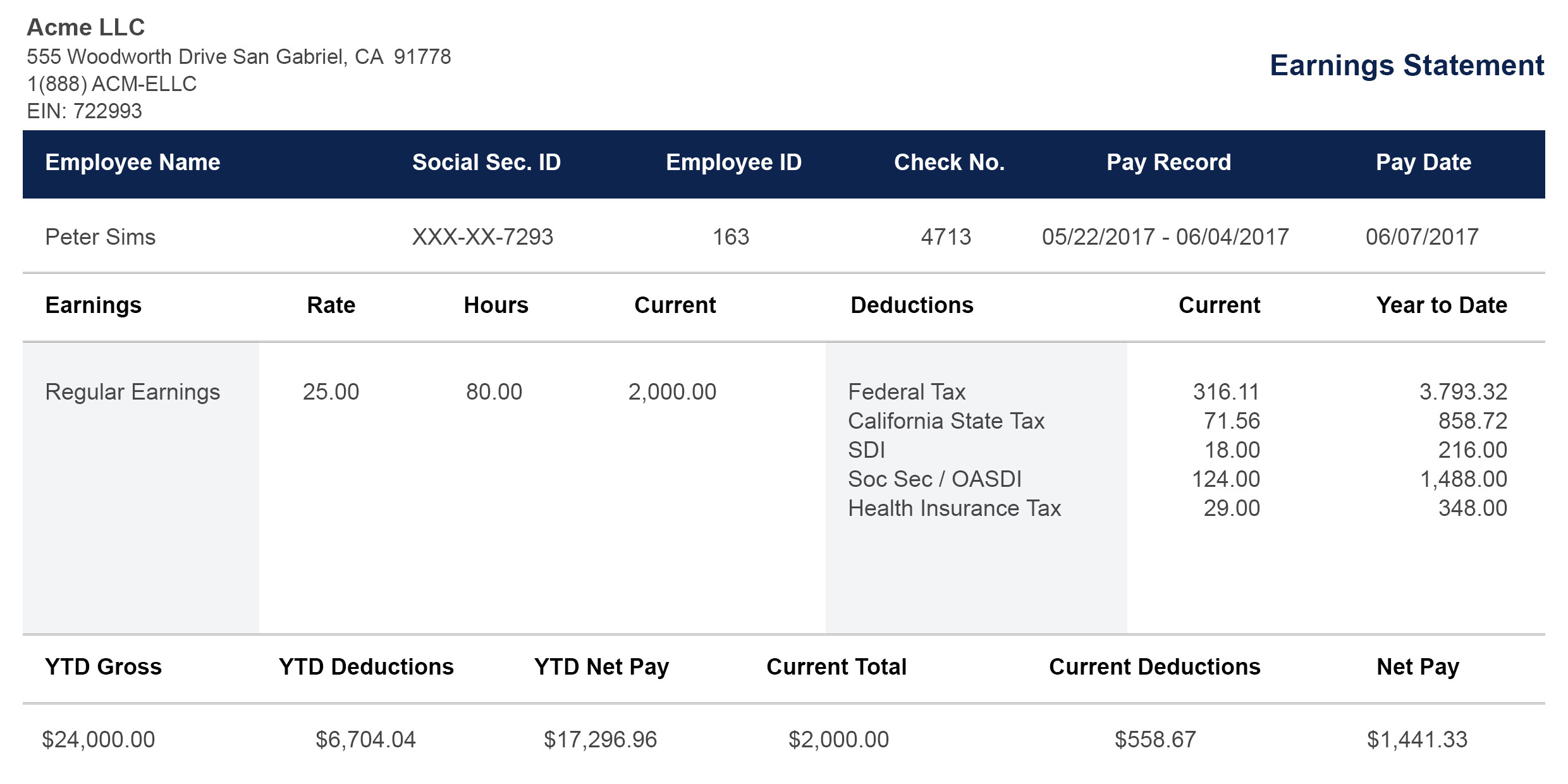



Why 50,000+ Businesses Trust PayStubs.net
Since 2015, we’ve generated more than 2 million pay stubs. Here's what sets us apart:
Legal Compliance Built-in
Each pay stub template contains mandatory fields that are required by the federal and state labor laws. This includes:
-
Gross earnings
-
Deductions
-
Social Security Taxes or FICA
-
Medicare
-
Net income.
Even though certain states, such as California, New York and Texas, have high pay stub standards. Our templates cover all these requirements, giving you peace of mind.
Automatic Tax Calculations
Stop doing the math yourself. Our paystub generator can help you calculate your federal withholding and state taxes. It can also help you automatically determine your Social Security (6.2%) and Medicare (1.45%). You just need to enter the hours you worked and the pay rate, while we handle the rest.
Organized by Function, Not Just Color
Other sites may sort templates by either "Blue" or "Modern." Our templates are organized based on their respective purposes. They include:
-
PTO tracking
-
Overtime calculations
-
Commission reporting
-
Tip documentation.
You can find the template that meets your payroll needs.
No Watermarks, Ever
You can download any editable free pay stub template you want in different formats, without watermarks or branding. It can be in PDF, Excel, Word, or Google Sheets format.
Specialty Templates No One Else Has
We provide templates for various professions. Some of these include:
-
Commission Tracking: Primarily for sales teams.
-
Tip Reporting: It can be used for restaurants.
-
Nanny Pay Stubs: For household employers.
24/7 Support From Real Humans
Got any questions at 2 AM? We have the support team available around the clock. You can call, email, or live chat with us. You get real answers from real people.
Download Free Pay Stub Templates
Don't just pick a color. Pick the template that works for your business.
Basic Paystub Templates (4 Templates)
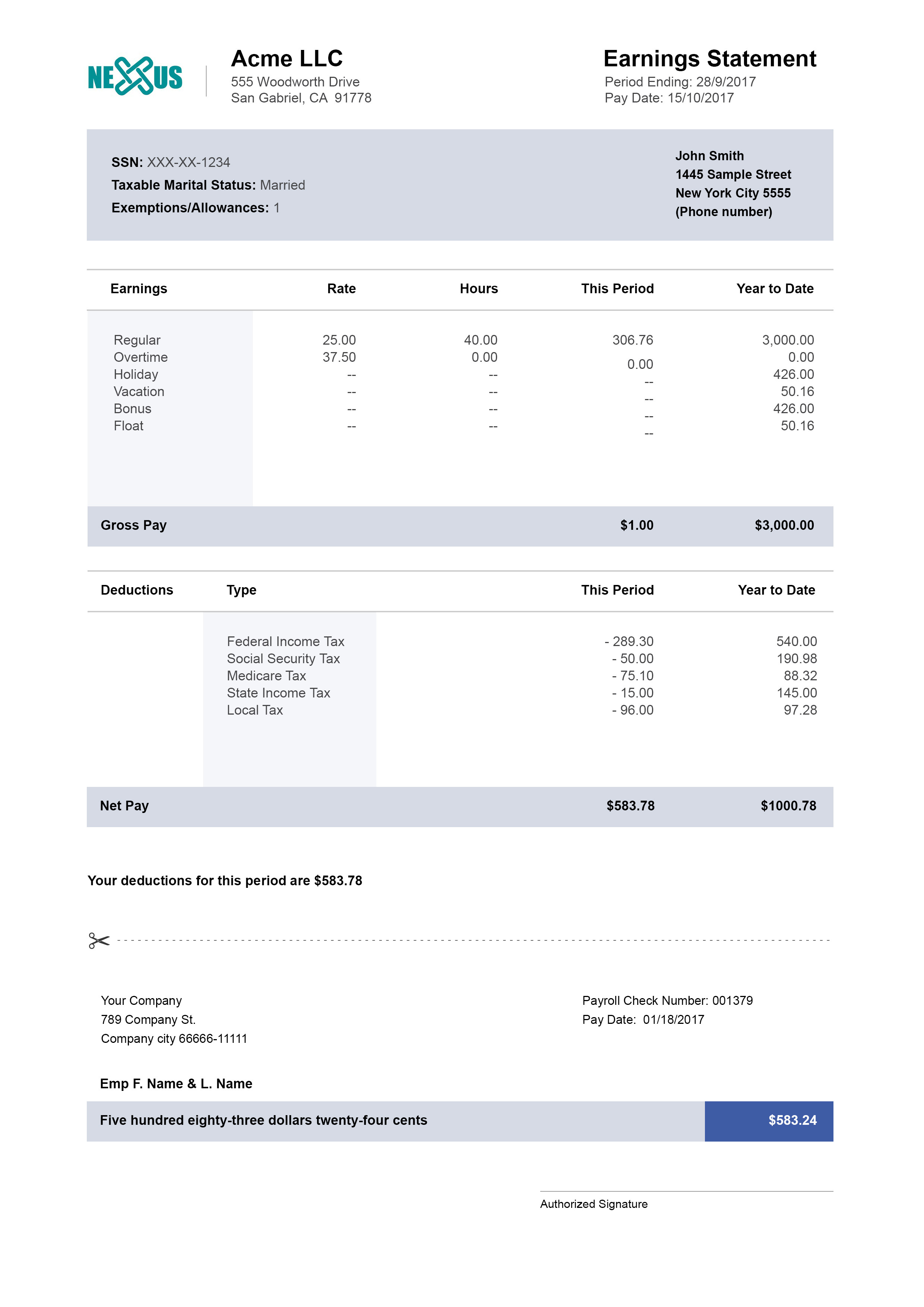
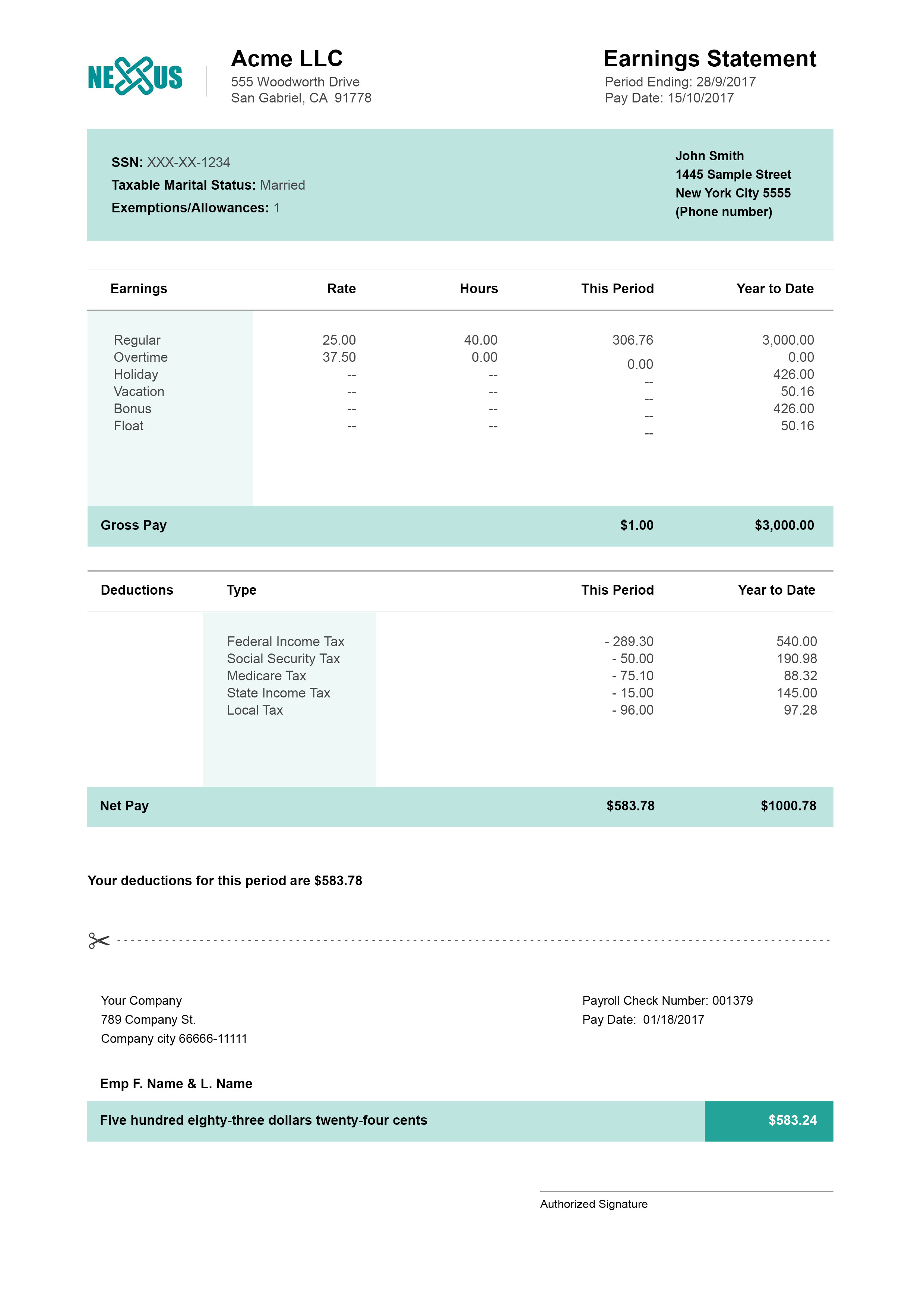
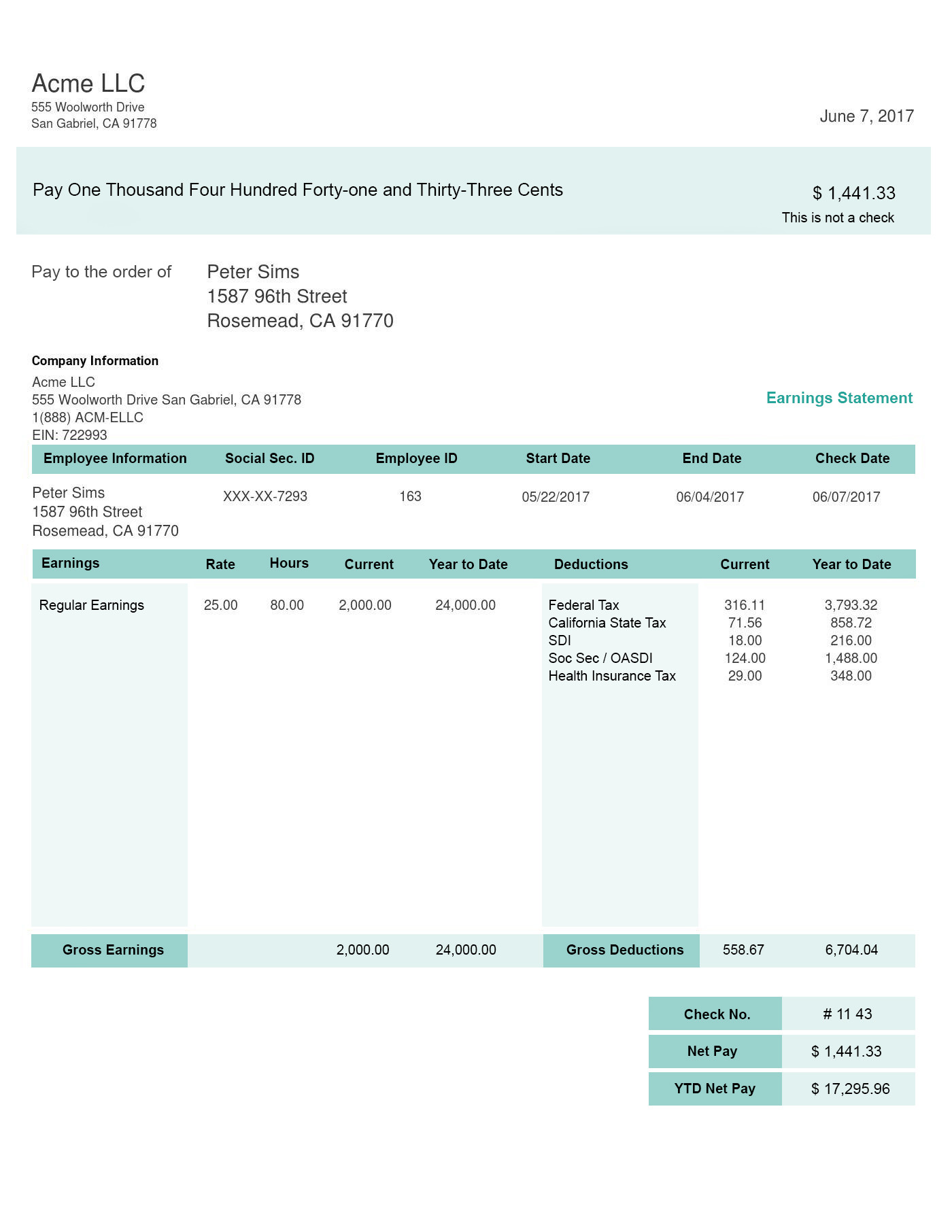
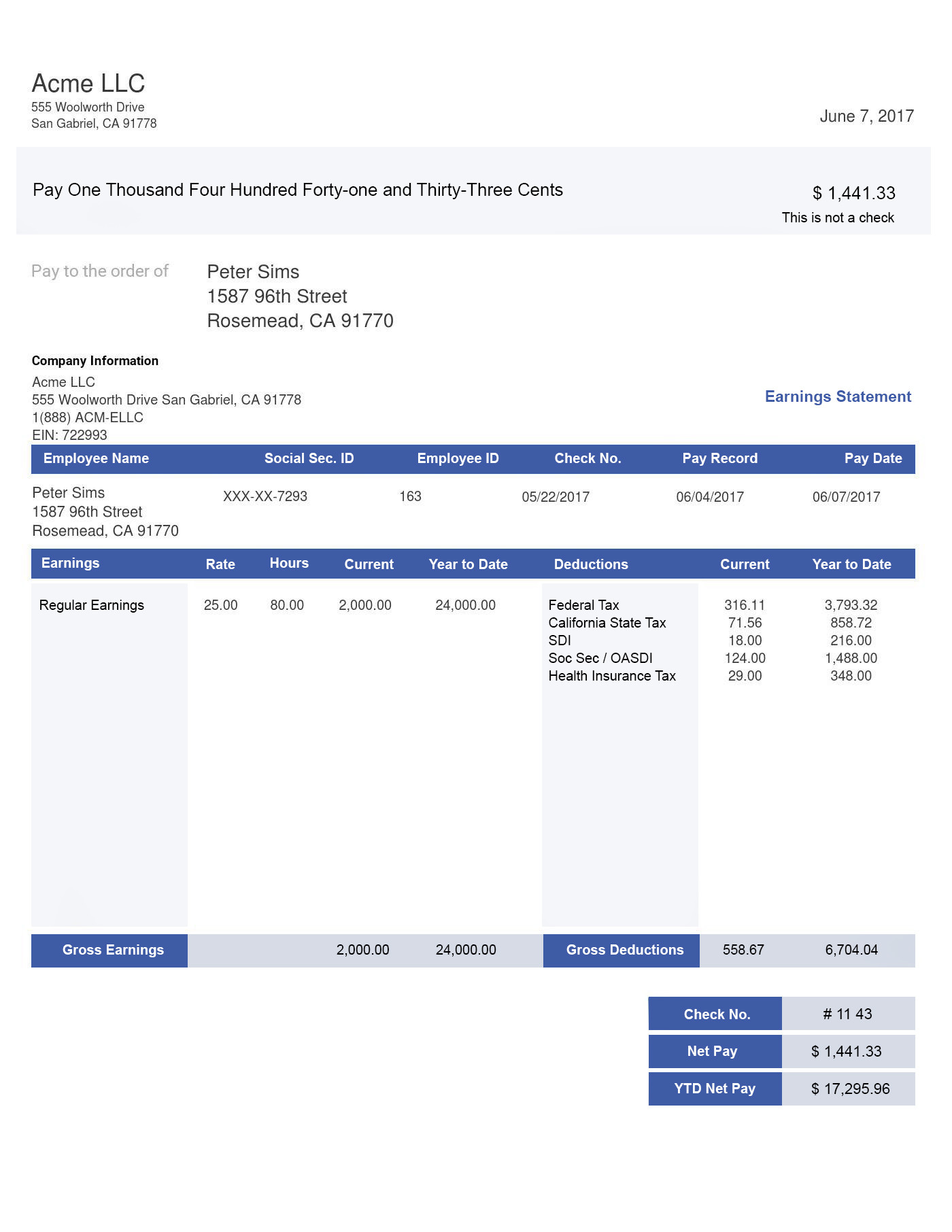
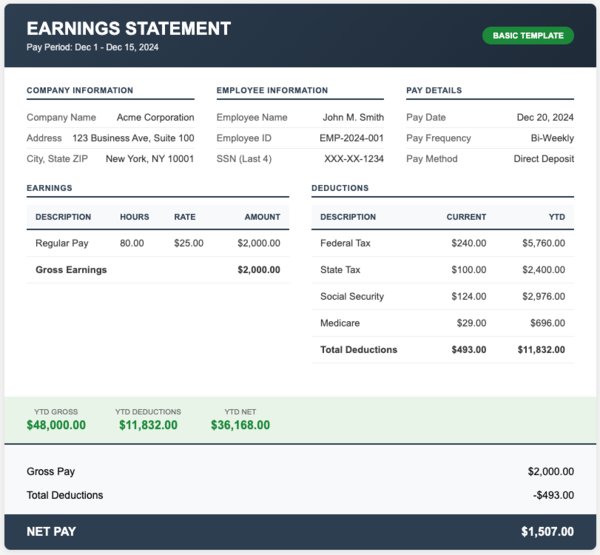
With our templates, you get only what you need. Gross pay, deductions, and net pay. No more, no less. It’s the way to go for straightforward payroll with no PTO or overtime tracking.
Classic Paystub Template
[Download Google Sheets] [Preview Template] [Use This Template]
Free Paystub Template with Calculator
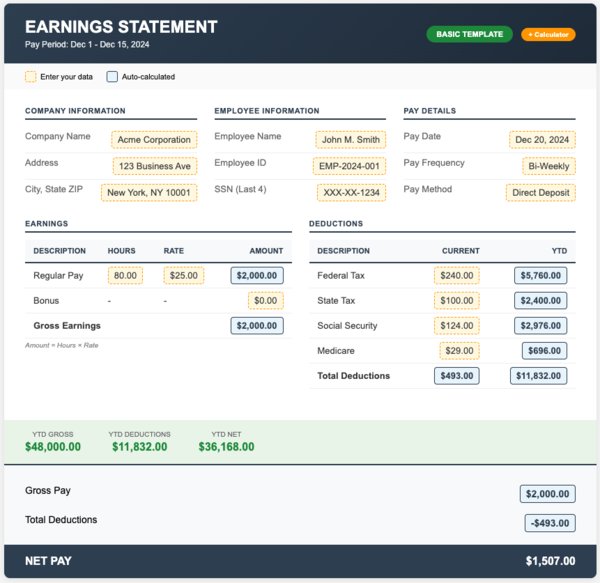
[Download Google Sheets] [Preview Template] [Use This Template]
Hourly Worker Editable Paystub Template
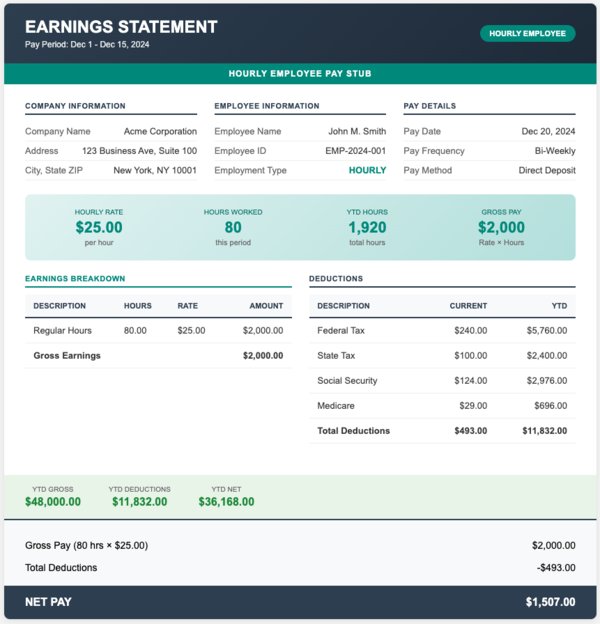
[Download Google Sheets] [Preview Template] [Use This Template]
Salaried Employee Paystub Example
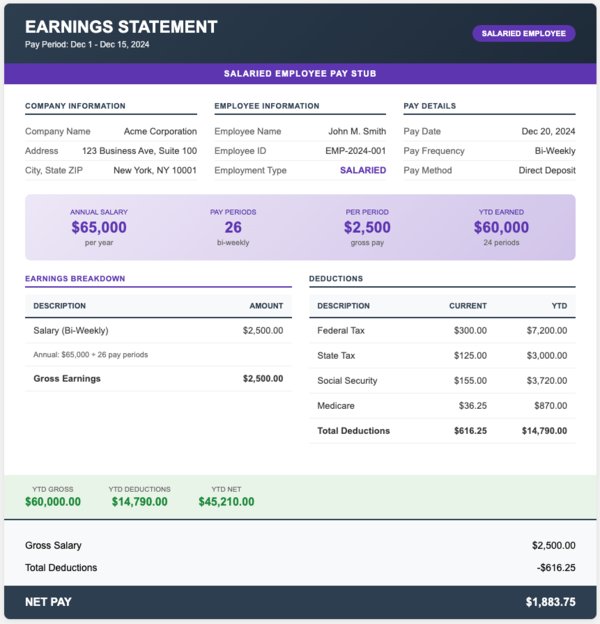
[Download] [Preview Template] [Use This Template]
Free Paystub Template With PTO Tracking (4 pay stub Examples)
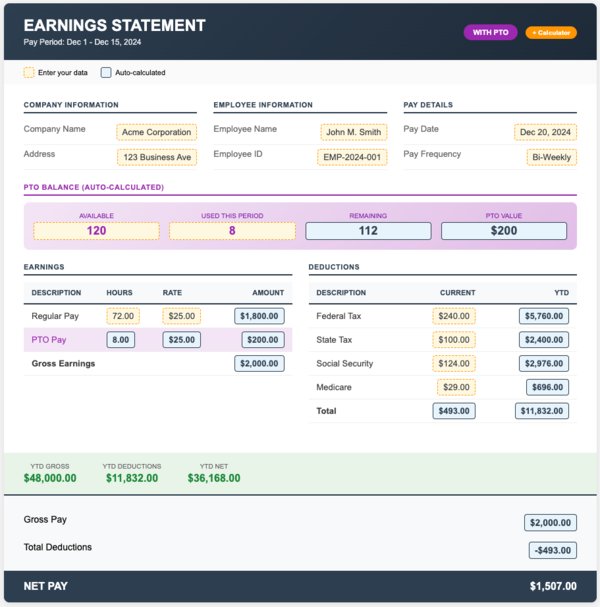
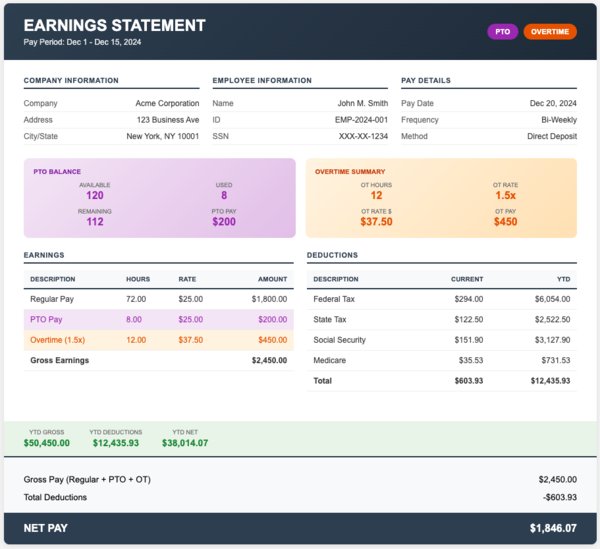
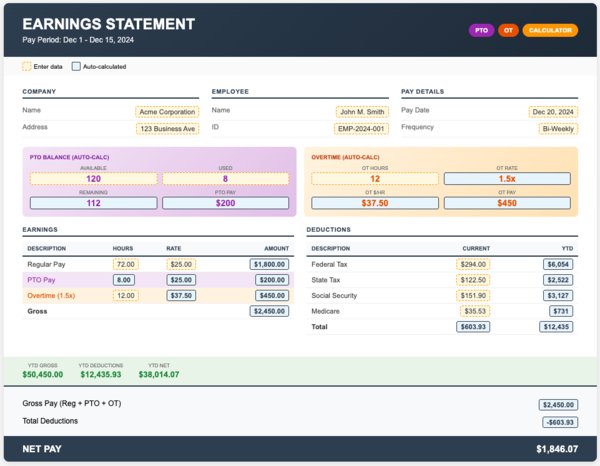
If your business gives paid time off, this is for you. With these pay stub templates, you can see the accrued hours, used hours, and remaining PTO balance at a glance. Employees can know where they stand once they get their pay stub.
Pay Stub Template With PTO
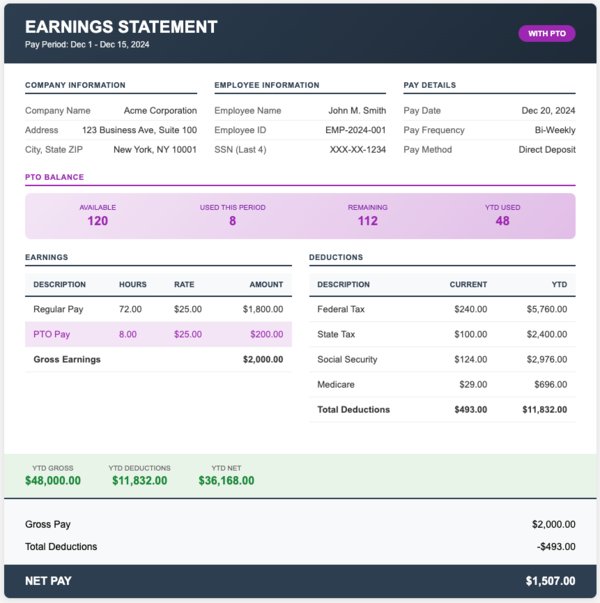
[Download Google Sheets] [Preview Template] [Use This Template]
Pay Stub Template With PTO + Calculator
[Download Google Sheets] [Preview Template] [Use This Template]
Free Pay Stub Template With PTO + Overtime
[Download Google Sheets] [Preview Template] [Use This Template]
Printable Pay Stub Template With PTO + Overtime + Calculator
[Download Google Sheets] [Preview Template] [Use This Template]
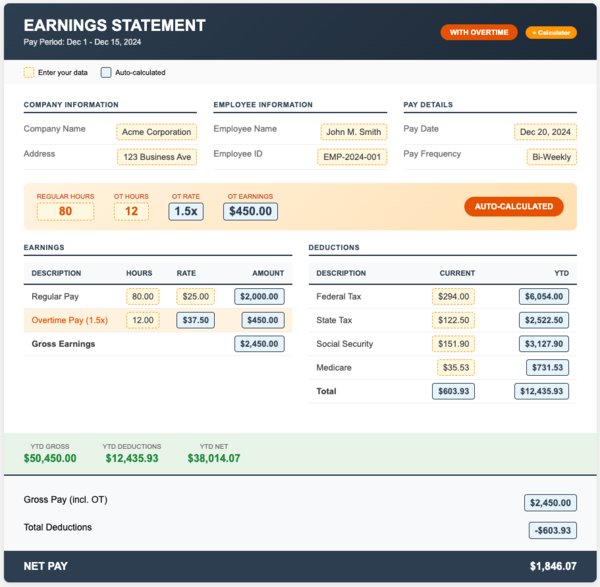
Pay Stub Samples With Overtime (3 Templates)
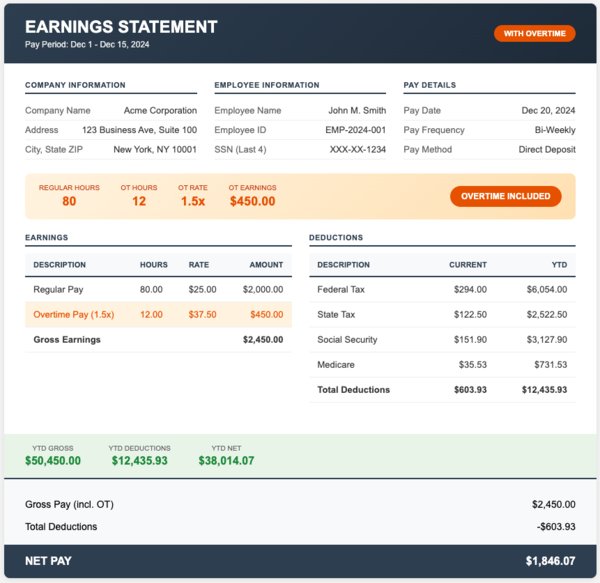
According to the FLSA, the rate for overtime pay is 1.5x the regular rate. This applies once the hours worked per week are over 40 hours. These checkstub templates display regular and overtime hours separately. It does the calculation for both by applying the correct multiplier and documents everything for compliance.
Template 9: Checkstub Template with Overtime
[Download Google Sheets] [Preview Template] [Use This Template]
Template 10: Sample Pay Stub with Overtime + Calculator
[Download Google Sheets] [Preview Template] [Use This Template]
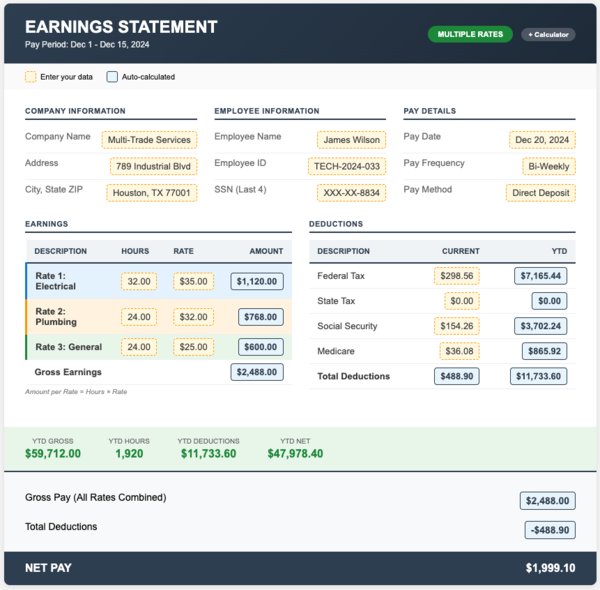
Template 11: Multiple Pay Rates Checkstub Template
[Download Google Sheets] [Preview Template] [Use This Template]
Check Stub Templates for Contractors (3 Templates)
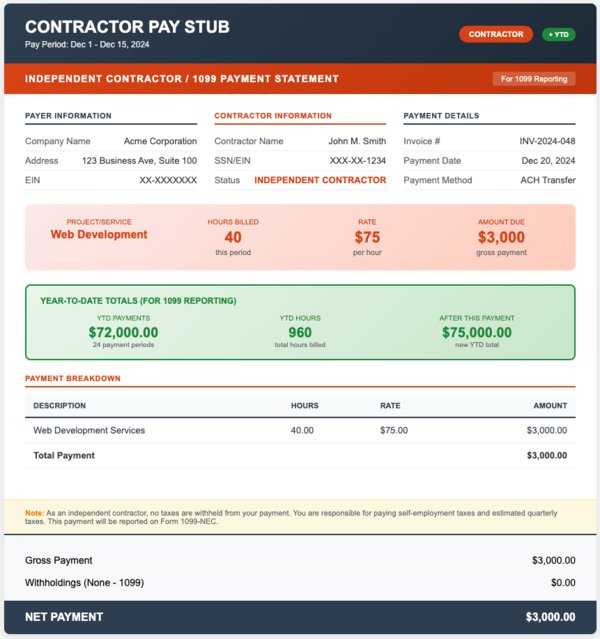
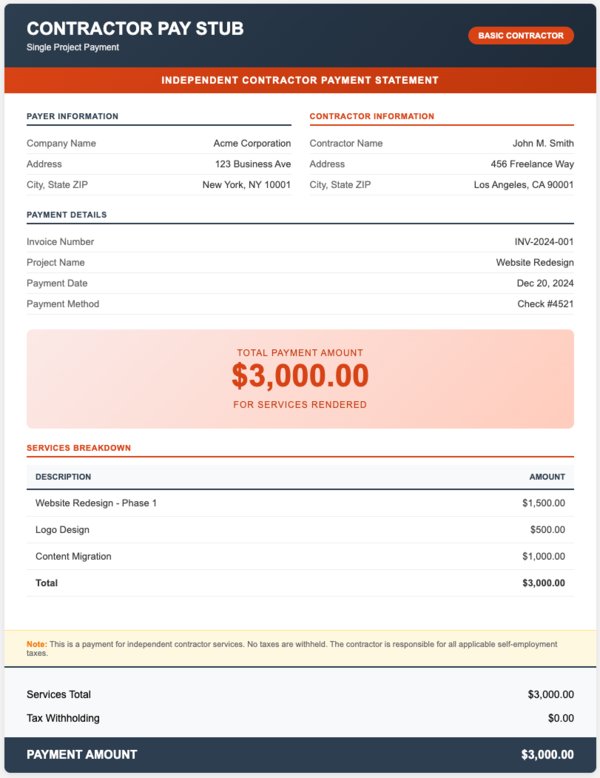
Independent contractors sort out their own taxes. This means no withholdings are deducted from their pay or appear on their pay stubs. With these check stub templates, you can document payments without federal and state deductions. This is ideal for 1099 reporting.
Template 12: Contractor Check Stub Template (with YTD)
[Download Google Sheets] [Preview Template] [Use This Template]
Template 13: Blank Contractor Check Stub Template
[Download Google Sheets] [Preview Template] [Use This Template]
Template 14: Direct Deposit Check Stub Template
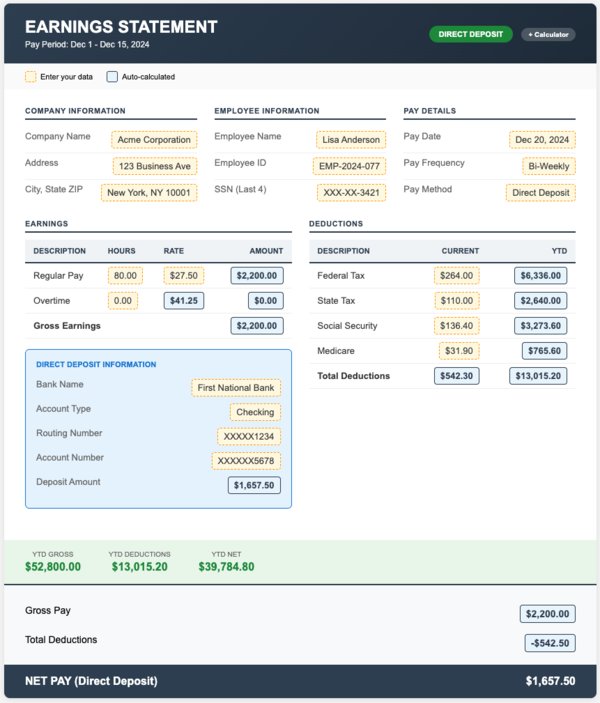
[Download Google Sheets] [Preview Template] [Use This Template]
Specialty Paycheck Stub Templates (8 Templates) Made Available Only at PayStubs.net
Here at PayStubs.net, you'll find templates for other payroll situations that you won't find anywhere else. We provide templates for tracking commission, tips and bonuses. It also includes documents formatted to fit your pay frequency, as well as domestic worker pay stubs. All these are built to cater to all your business needs.
Commission Paycheck Stub Template
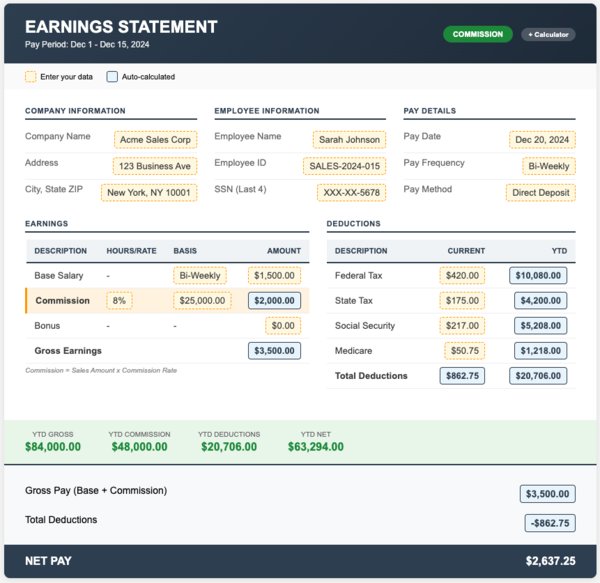
[Download Google Sheets] [Preview Template] [Use This Template]
Bonus Pay Stub Template
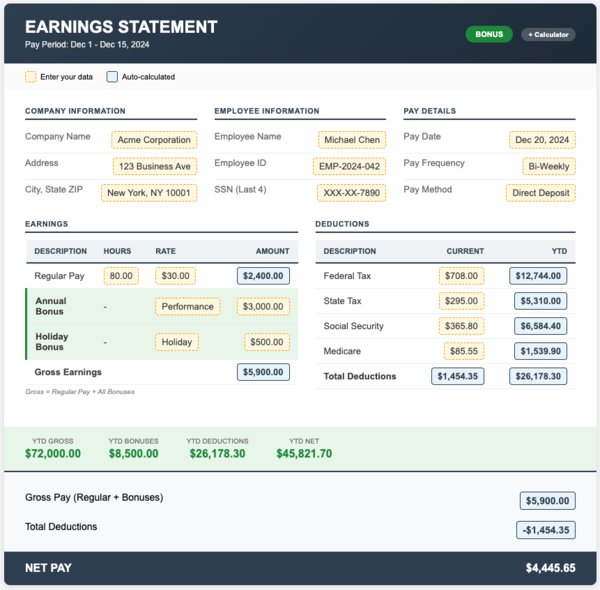
[Download Google Sheets] [Preview Template] [Use This Template]
Tips & Gratuity Pay Stub Template
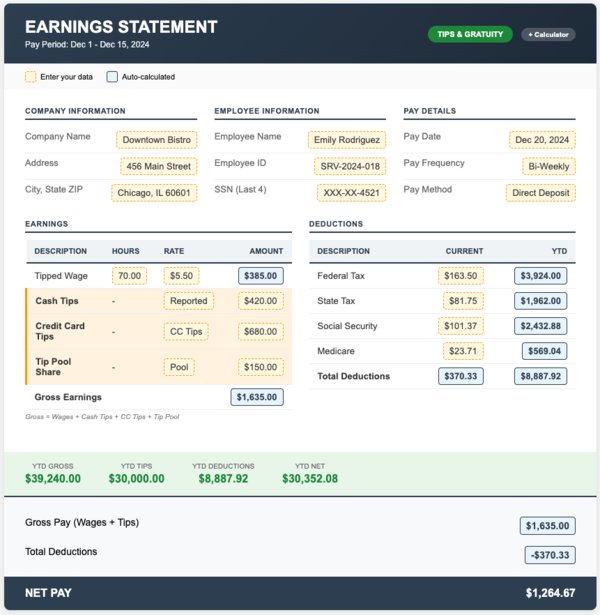
[Download Google Sheets] [Preview Template] [Use This Template]
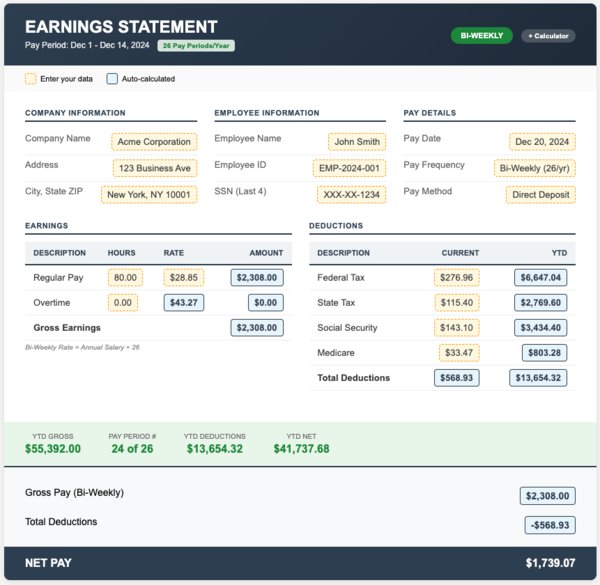
Bi-Weekly Paystub Template
[Download Google Sheets] [Preview Template] [Use This Template]
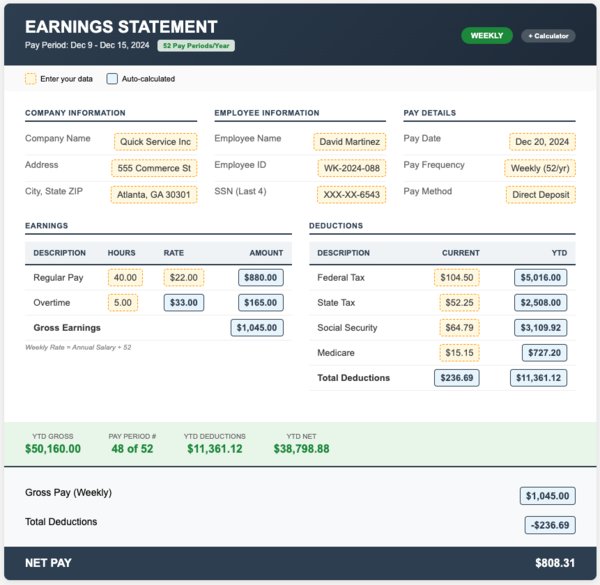
Weekly Pay Stub Template
[Download Google Sheets] [Preview Template] [Use This Template]
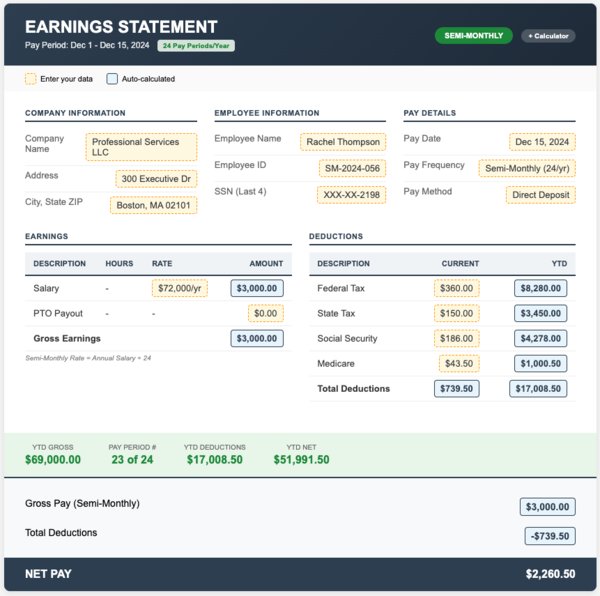
Semi-Monthly Pay Stub Template
[Download Google Sheets] [Preview Template] [Use This Template]
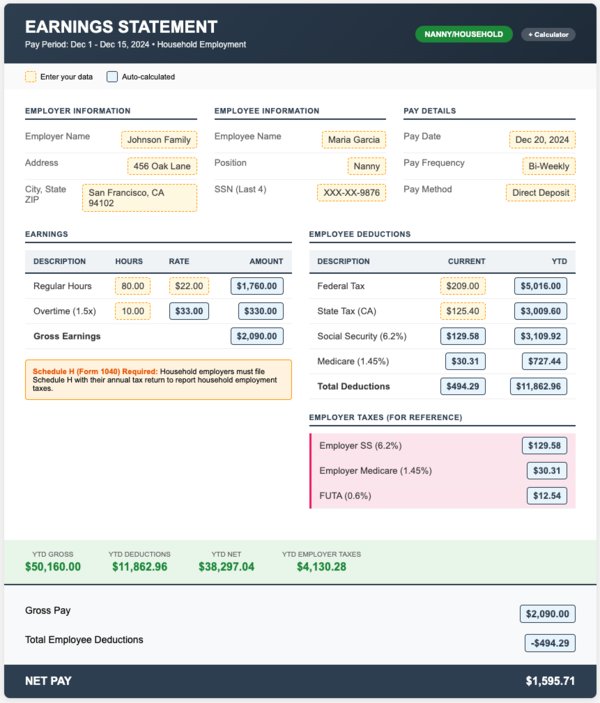
Nanny & Household Employee Paycheck Stub Template
[Download Google Sheets] [Preview Template] [Use This Template]
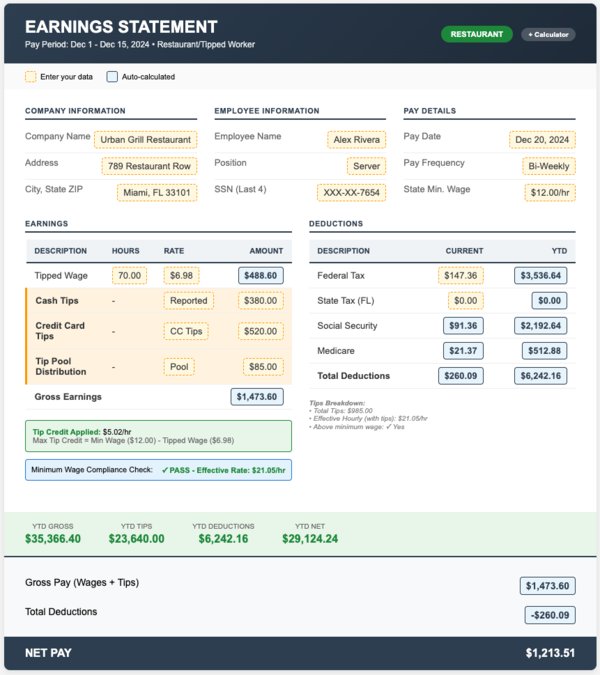
Restaurant & Tipped Worker Pay Stub Template
[Download Google Sheets] [Preview Template] [Use This Template]
Note: The download functionality will be added soon.
How To Choose the Right Pay Stub Template
Step 1: Employee or Contractor?
If your pay stubs are for employees, then you need templates with tax withholdings. The stub must have Federal income tax, state tax, Social Security (6.2%) and Medicare (1.45%). It must also include any voluntary deductions, such as 401(k) and health insurance.
If you're an independent contractor, then you need templates without withholdings. With this, you can handle your self-employment taxes. Use our Contractor templates that show gross payment without deductions.
Step 2: What Special Tracking Do You Need?
-
Do you offer PTO? Use a PTO Tracking template
-
Do your employees work overtime? Use an Overtime template
-
Do you pay commission or bonuses? Use Specialty templates
-
Is your business in the restaurant/hospitality sector? Use the Tips template
-
Are you a household employer? Use a Nanny template.
Step 3: Manual or Automatic?
Check the name of the template. If it includes "Calculator," then it comes with formulas. You input hours and rate, and get your totals. Everything is calculated automatically.
Standard templates are blank. You fill in the correct information in every field on your own. This is best for single use or if you want full control.
Step 4: Pick Your Format
-
Google Sheets: Ideal if you want automatic calculations, cloud access, and collaboration.
-
Excel (.xlsx): Best if you want offline use with working formulas
-
Word (.docx): Ideal in cases of basic text input with no calculations
-
PDF: Best for final documents that are ready for printing
Pay Stub Template FAQs
Are there watermarks on the free templates?
No. Every single template you download is watermark-free. We don't add branding, logos, or “sample” text. What you see in the preview is exactly what you get, and they’re professional, clean, and ready to use.
What's included in a legitimate pay stub?
At least, you'll find the employer name and address and the employee name and address. Pay period dates, gross pay, itemized deductions, such as federal tax, state tax, FICA and Medicare, are also included. You'll also see details like net pay and the payment date. Our templates have all the required fields and some optional ones like YTD totals.
Do I legally have to provide pay stubs?
In most states, yes. States like California, New York, Texas, and many others have laws that mandate employers to provide detailed pay stubs each pay period. Even in states where there are no strict laws, pay stubs are helpful when disputes arise. It's a standard business practice.
What's the difference between the free templates and your generator?
Free templates are downloadable files that you fill in manually. Our generator is a paid service that automatically does your calculations, including federal and state taxes. It also calculates your FICA, Medicare, and deductions. All you need to provide is the right employee info and earnings. Our generator is best when you handle payroll regularly, while templates work well if you only do so occasionally.
Which template for 1099 contractors?
Use our "Contractor Check Stub Template (with YTD)" if you need year-to-date tracking for 1099-NEC reporting. Use the "Blank Contractor Check Stub" for simple one-time payments. Neither includes any field for tax withholdings. Contractors are usually responsible for handling their own taxes.
Can I customize the templates with my logo?
Absolutely. Add your company logo image in Google Sheets or Excel. In Word, add it to the header. Our generator also allows you to upload logos to get fully branded pay stubs.
What if my state has specific pay stub requirements?
Our templates cover federal requirements and most state laws. However, California requires nine specific items, including sick leave accrual. New York requires specific rate/hours information. Review your state's Department of Labor website for exact requirements.
How do I handle employees with different pay rates?
Use our "Multiple Pay Rates Checkstub Template" (Template 11). You can use this to track different hourly rates for different job duties and calculate weighted totals automatically.
What about tipped employees and tip credit?
Use our "Restaurant & Tipped Worker Paycheck Stub Template" (Template 22). It documents hourly wage, reported tips and tip credit calculations. It also ensures you're meeting minimum wage requirements after tip credit.
Can I use different templates for different employees?
Yes. Download as many templates as needed. Use "PTO templates" for full-time staff, "Basic template" for part-time, and "Contractor templates" for freelancers. No limits.
What format should I download?
Use Google Sheets or Excel format if you want automatic calculations. You can also use Word if you just need to type in values. Consider PDF for final print-ready documents that won't be edited.